


![[VIP] Unlimited Pass 2026.05.27](https://i.pinimg.com/1200x/d2/f8/2e/d2f82e903b9ca33b0f13704cc85a3d8a.jpg)

![[LS] ls.graphics Pass 2026.02.16](https://i.pinimg.com/1200x/8d/ca/7f/8dca7ff72d8b698f955649340d0ff398.jpg)


![[VIP] Marketly: Website Marketplace](https://i.pinimg.com/1200x/04/b8/08/04b8084a0586740068dca684f9ec896d.jpg)

![[VIP] Solito: Finance Dashboard Dark Theme](https://i.pinimg.com/1200x/bc/e7/51/bce751c5042d26ae6706c925851ee318.jpg)


![[VIP] Claude Code: Practical Guide for Product Designers](https://img1.teletype.in/files/8c/2d/8c2d1b8b-d868-4042-8a6f-393300fefcea.jpeg)

![[VIP] ShadCnKit: UI Kit [Mar 2026]](https://i.pinimg.com/1200x/f6/1b/82/f61b82730374fcaf1f474d520af0153b.jpg)
![[VIP] Vault: Finance Dashboard](https://i.pinimg.com/1200x/50/43/9e/50439e7a9ac97af7fff80b1e227c8045.jpg)
![[VIP] Voltz: Electric Car Website Template](https://i.pinimg.com/1200x/03/ba/41/03ba41513483727fcd26b95349750783.jpg)


![[VIP] App Store Screenshot Templates & Mockups](https://i.pinimg.com/1200x/9d/d3/00/9dd300bdea1902edf4840e2ffdfae381.jpg)


![[VIP] 44 Device Mockups: Metal Scene Pack](https://i.pinimg.com/1200x/96/0c/c4/960cc4d39f6f9f08c4ba4a40ae740a65.jpg)
![[LS] iPhone 17 Mockup](https://i.pinimg.com/1200x/18/42/c1/1842c11e3da971765bdcfbc5315f3df8.jpg)


![[VIP] Thanos Kagkalos: MotionPunk](https://i.pinimg.com/1200x/a3/1a/c3/a31ac3bb681fdb27f0a70db35bf2b1c3.jpg)


![[VIP] Claude for Coaches](https://i.pinimg.com/1200x/ce/7e/e9/ce7ee94d0c45aa335d61d9b4c5250ebb.jpg)
![[VIP] Ultimate Editors v2.0.4](https://i.pinimg.com/1200x/cc/d3/95/ccd3956d1bfb782aef85451d9cfba8e4.jpg)

![[VIP] Awwwards: How to embrace contemporary trends and create award winning experiences](https://i1-c.pinimg.com/1200x/d9/21/cd/d921cd5ada848c5da37d94a06fd1f150.jpg)
![[VIP] Awwwards: Ecommerce Design from Scratch with Figma](https://i.pinimg.com/1200x/72/26/e7/7226e701dc52d3ae44c09b49a3edf508.jpg)
![[VIP] Awwwards: Presenting yourself as a designer](https://i.pinimg.com/1200x/a0/50/57/a0505720b8c4061ec44d3439c7e761ae.jpg)


![[VIP] React Three Fiber: The Ultimate Guide to 3D Web Development](https://i.pinimg.com/1200x/78/02/1f/78021ffdfc8113cc8caba5b2c563ead4.jpg)
![[VIP] Ryan Hayward: Ultimate Framer Masterclass 3.0](https://i.pinimg.com/1200x/48/d6/3f/48d63f9723d7c49e6c34c182557c7431.jpg)


![[VIP] Whoooa! 156 vector Lottie animations](https://design.rip/uploads/cover/blog/whoooa-156-vector-animations.webp)

![[VIP] The LogoLounge Guide to Iconic Branding](https://i1-c.pinimg.com/1200x/96/9a/e8/969ae8a428253ab6ee3c2c17a22c9c89.jpg)
![[VIP] Framer Money Playbook](https://i.pinimg.com/1200x/38/58/ee/3858eecb51c038d10d7a67df213740cd.jpg)


[VIP] Vitaly Friedman: Design Patterns for AI Interfaces
Practical AI Guidelines & 100s of Real-Life Examples. 10h Videos + UX Training.
![[VIP] Vitaly Friedman: Design Patterns for AI Interfaces](https://i.pinimg.com/1200x/cb/b1/c5/cbb1c5d1ac334a03882df22464b21563.jpg)
100 Smart Interface Design Patterns & Live Examples.
- 10h Video + UX Training.
- 30 video lessons + live UX training.
- For senior designers, UX researchers and design leads.
How to design AI products that actually work for people.
AI doesn’t have to be slow, verbose and unreliable. We can shape AI experiences way beyond a chat — and guide users to better prompts and results without typing. This course helps with just that.
You’ll learn actionable design patterns for AI, real-life examples and AI research, how to lead conversations with engineers and PMs — and how to design realistic and feasible AI experiences that users trust, love and use.
Get once, watch forever. New videos added regularly.
A growing library of video lessons & examples. With 30 lessons available now, and more added once a year.
Ideal for interface designers, UI engineers and developers who’d love to be prepared for complex UX challenges.
Table of Contents
From intricate navigation to complex web forms.
01. Welcome02. State of AI03. AI Under The Hood04. System & User Prompts05. Context Windows06. Temperature07. Memory Management08. Prompt Engineering09. Slow AI vs. Fast AI10. AI Agents11. Constraints and Limitations12. Digital Sustainability13. Summary14. Frequent Usability Issues15. AI Feature Discoverability16. Capability Awareness17. Context Awareness18. Summary19. Modelling AI Experiences20. Scaffolding (Part 1)21. Scaffolding (Part 2)22. Interaction Design23. AI Chat Interfaces24. Voice UIs25. Designing Input UX (Part 1)26. Designing Input UX (Part 2)27. Designing Output UX28. AI Accessibility29. Refinement UX30. Orchestration UX31. Summary32. Getting Started33. Live UX training
10h Video, Real-Life Examples, Checklists & Live Sessions.
With 100s of practical examples, guidelines, gotchas, checklists, takeaways & exercises — applicable to your project right away.
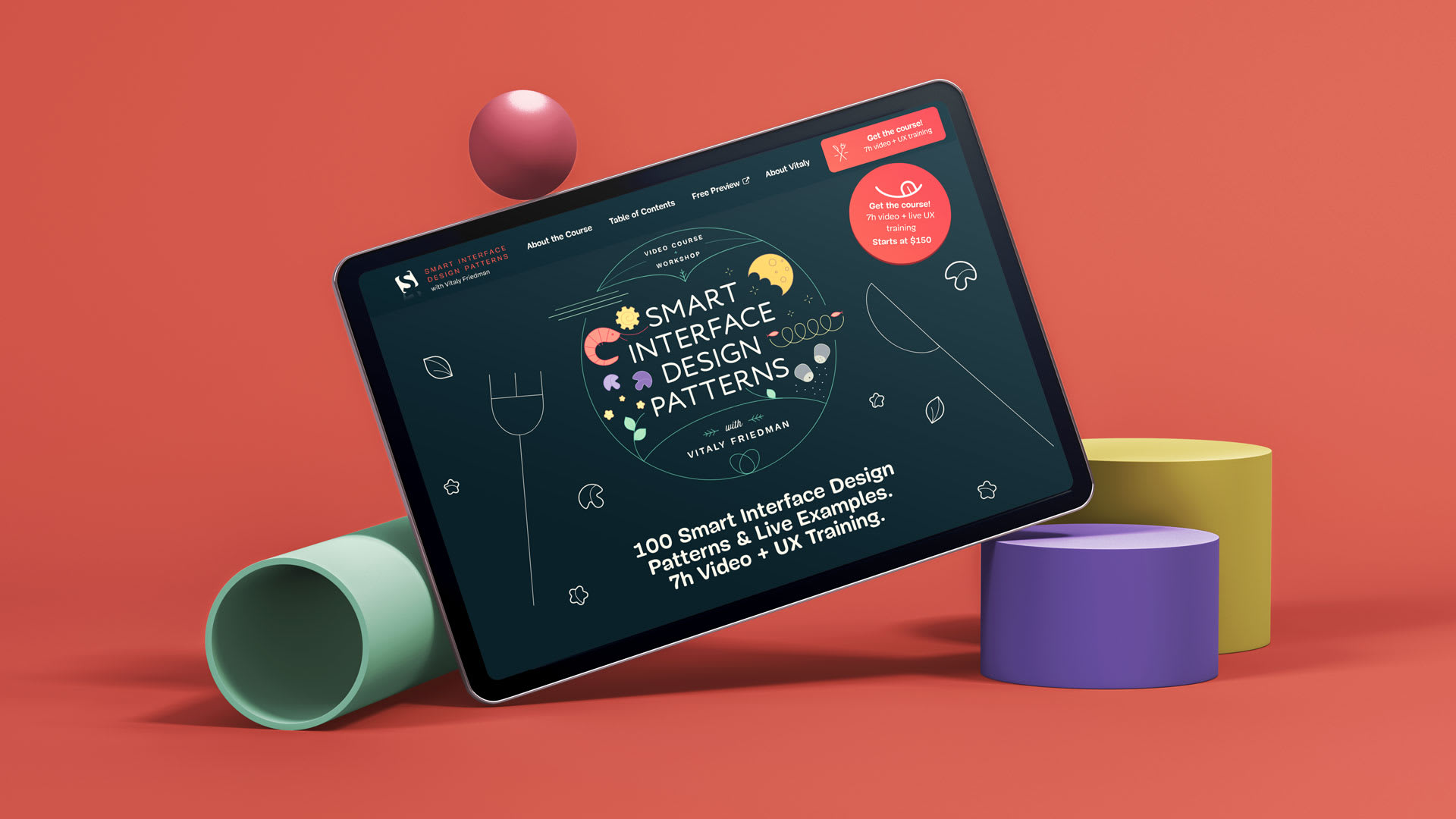
A practical video course with UX guidelines, design patterns and real-world examples.
- Practical real-life examples
A growing video library of examples of AI interfaces: from AI assistants and side panels to voice interfaces, infinite canvases, quiet AI, third-party integrations and onboarding. From remote corners of the web.
- 30 recorded video lessons
Each lesson is around 10–30 mins long, with examples, guidelines and checklists to keep in mind when designing and building AI interfaces. You can watch lessons in any order, and use them as references for your ongoing projects.
- Quality recordings & subtitles
All video lessons are recorded in high quality and include full captioning in English.
- Live sessions and Q&A
Twice a year you can participate in a deep-dive live online UX training, with exercises, challenges and groupwork, live. You can also ask all your questions directly, and get your work reviewed by peers and Vitaly. You get a UX certificate as well.
- Up-to-date UI & UX checklists
You also receive a 165-pages deck with UI/UX checklists. The deck includes useful questions, pointers and best practices to bring up early to avoid issues down the line. Updated annually. For you, free of charge.
Add-on: Live UX training. Deep-dive sessions with 1:1 feedback & UX certification.
In a 2-weeks sprint, you’ll learn how to deal with real-life AI challenges from the ground up. You’ll be designing complex AI interfaces, receive feedback and work with Vitaly and people around the world.
Twice a year, we’ll host Live UX Training with live sessions on:
- How to get started with AI UX,
- Live, up-to-date sessions and certification,
- Real-life case studies and examples,
- UX deep dives and case studies,
- Design reviews and revisions
- Personal 1:1 feedback with Vitaly.
You’ll have enough time to ask all your questions and learn at your own pace. And: you can get a UX certificate as well.
What's Your Reaction?
 Like
1
Like
1
 Dislike
0
Dislike
0
 Love
0
Love
0
 Funny
1
Funny
1
 Angry
0
Angry
0
 Sad
0
Sad
0
 Wow
1
Wow
1

![[VIP] AI & Design Systems](data:image/png;base64,iVBORw0KGgoAAAANSUhEUgAAAcIAAAEYAQMAAAD1c2RPAAAAA1BMVEUAAACnej3aAAAAAXRSTlMAQObYZgAAACVJREFUaN7twQEBAAAAgqD+r26IwAAAAAAAAAAAAAAAAAAAACDoP3AAASZRMyIAAAAASUVORK5CYII=)
![[VIP] Design Rocket: The AI Web Design System](https://i.pinimg.com/1200x/2f/1a/45/2f1a45c2b967f2d583f87797abd42f14.jpg)


